Video Editing Complete Course in Bathinda
Bathinda ka sabse complete video editing program — jisme Premiere Pro, After Effects, CapCut, DaVinci Resolve aur AI Video Generation tools ek saath seekhein. Reels, YouTube, Ads, Motion Graphics, AI Avatars — sab kuch ek comprehensive course mein. Portfolio + Placement Support included.
Why This Course Stands Out
Practical, industry-aligned training at Gurukull Institute Bathinda. From day one, you work on live projects and real-world campaigns alongside expert trainers.
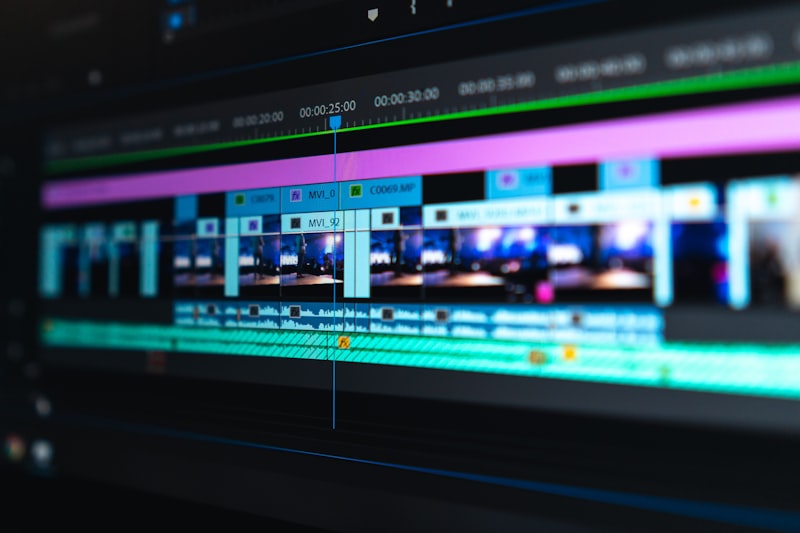
Adobe Premiere Pro Mastery
Industry-standard video editing software used at Netflix, YouTube studios, TV channels, and ad agencies worldwide. Full training from import to final export — color grading, audio mixing, multicam editing and more.
After Effects & Motion Graphics
Create stunning animated titles, motion graphics, lower thirds, visual effects, and cinematic transitions. From keyframe basics to complex compositions — the skill that separates good editors from great ones.
CapCut — Reels & Shorts Expert
Master CapCut for fast, high-quality mobile-first video editing — the preferred tool for Instagram Reels, YouTube Shorts, and TikTok. Viral transition techniques, trending effects, and batch publishing workflows.
DaVinci Resolve — Color Grading
Learn Hollywood-level color grading using DaVinci Resolve — the industry standard for cinematic color correction. LUTs, color wheels, curves, nodes, and HDR grading techniques covered in full depth.
AI Video Generation — Future of Content
Master Sora AI (OpenAI), Runway Gen-3, Pika, and Kling Motion — AI tools that generate cinematic video from text prompts and still images. The most in-demand emerging skill in video production.
AI Avatars & Voiceover Production
Create professional AI presenter and spokesperson videos with HeyGen and Synthesia. Generate AI voiceovers in any language with ElevenLabs — produce content without ever appearing on camera.
YouTube Channel & Video SEO
Launch and grow a professional YouTube channel — video SEO, thumbnail optimization, content strategy, YouTube Shorts, audience analytics, and monetization fundamentals from basics to advanced.
Reels & Social Video Strategy
Create platform-optimized video content for Instagram, Facebook, LinkedIn, and TikTok. Understand each platform's algorithm, format requirements, and best practices for maximum reach.
Audio Editing & Sound Design
Clean up dialogue, remove background noise, add music, create sound effects, and master audio levels for broadcast-quality sound — an often overlooked skill that instantly elevates video quality.
Freelancing & Placement Support
Build a professional video editing portfolio, set up Fiverr and Upwork profiles, learn client acquisition, and use our placement cell to connect with production studios, agencies, and YouTube channels.
Video Editing Complete Course in Bathinda — The Full Picture
Video is the dominant content format across every digital platform in 2025 — YouTube has over 500 hours of video uploaded every minute, Instagram Reels and YouTube Shorts are driving the majority of content consumption among young audiences, and brands are now producing more video content than any other format. The demand for skilled, professional video editors has never been higher — and it continues to grow as AI tools expand what a single video editor can produce.
The Video Editing Complete Course at Gurukull Institute Bathinda is designed to produce video editing professionals ready for this market. This is not a course where you watch tutorials and do practice exercises — it is a hands-on production program where you work with real footage, real editing software, and real AI generation tools from your very first class. By graduation, you will have a complete, diverse video portfolio that demonstrates your capabilities clearly to any employer, client, or collaborator.
Why Video Editing Is One of the Best Careers in Punjab Right Now
Professional video editors in India earn between ₹20,000 to ₹80,000 per month depending on experience and specialization — and experienced motion graphics artists and AI video specialists can earn even more. Freelance video editors on platforms like Fiverr are booking ₹5,000 to ₹50,000 per project, with repeat clients paying monthly retainers. YouTube channel managers who understand both editing and strategy are among the most sought-after freelancers in India today. Local businesses in Bathinda and across Punjab are increasingly investing in video content for social media, making local demand for video editing skills stronger than ever.
The introduction of AI video generation tools has not reduced demand for video editors — it has dramatically increased what a skilled editor can produce. The video editors who combine professional editing skills with AI tool mastery are producing content at 3-5x the speed of traditional editors, commanding higher rates, and winning larger projects. That is the combination this course teaches.
Adobe Premiere Pro — The Industry Foundation
Adobe Premiere Pro is the starting point of the Video Editing Complete Course — and it is taught to professional depth, not just surface familiarity. You begin with the fundamentals: understanding Premiere's interface, workspace customization, project setup, and the import and organization of footage using bins and proxy workflows. From there, you progress through the full editing workflow — making cuts on the timeline, working with multicam footage, applying transitions, syncing audio to video, and developing an editorial rhythm that makes videos engaging from the first second to the last.
Color correction and color grading in Premiere's Lumetri Color panel are covered in full — understanding exposure, color temperature, tint, saturation, HSL curves, and the difference between correcting for accuracy versus grading for style. Audio editing in Premiere includes dialogue cleanup, background noise reduction with DeNoise, adding music tracks, mixing multiple audio channels, and mastering to broadcast loudness standards. Graphics and titles are covered using Premiere's Essential Graphics panel — animated text, lower thirds, and end screens that elevate the production value of any video.
After Effects — The Motion Graphics Power Tool
After Effects is where good video editors become great ones. This module opens up a completely new creative dimension — the ability to animate anything. You begin with After Effects interface and composition setup, understanding how layers, time, and keyframes work together. From there, the core animation skills are built systematically: keyframe interpolation, easing, value graphs, and motion paths that produce smooth, professional animation rather than robotic, linear movement.
Text animation is covered comprehensively — kinetic typography, animated titles, countdown timers, and lower third designs that match any brand aesthetic. Shape layer animation produces logos, icons, and graphic elements that can be animated freely without any images. Green screen keying and compositing allows you to place subjects against any background. Motion tracking enables you to attach text or graphics to moving objects in footage — a technique used constantly in commercial and social media video production. By the end of the After Effects module, you will be able to produce broadcast-quality motion graphics for any project.
CapCut — Reels, Shorts & Social Video Mastery
CapCut has become the most widely used video editing tool for social media content creation, and for good reason — it enables high-quality, fast editing with a workflow specifically optimized for short-form content. The CapCut module covers both the mobile app and the desktop application. You will learn every editing feature relevant to social video: cuts, transitions, text overlays, caption generation, music integration, sound effects, speed ramping for dramatic slow-motion and fast-motion effects, and the trending transition techniques that consistently perform well on Instagram and TikTok.
The social video strategy component of this module covers what makes a Reel or Short actually perform well on the algorithm — hook structure in the first 3 seconds, caption strategy, cover image selection, optimal posting times, hashtag strategy, and how to analyze your content's performance data and iterate based on what you learn. Template-based editing for batch content production is taught for students working with clients who need consistent high-volume output.
DaVinci Resolve — Professional Color Grading
DaVinci Resolve is the industry standard for color grading in professional film and television production — and it is available completely free, making it a powerful tool for any video editor's arsenal. The color grading module introduces you to Resolve's Color page: understanding nodes, applying primary corrections using the Lift/Gamma/Gain wheels, curves for precise tonal control, and the Qualifier tool for masking and selective color adjustments. LUTs — Look-Up Tables — are covered extensively, including how to apply cinematic film looks, how to use technical LUTs for camera log footage, and how to create and export your own custom LUTs. HDR grading basics and the transition between color grading in Resolve and exporting graded footage for use in Premiere are also covered.
AI Video Generation — The Future Is Now
The AI video generation module is the most forward-looking and rapidly evolving part of the course — and it is where Gurukull's training puts students years ahead of those learning from traditional video editing courses. Sora AI from OpenAI is covered — understanding how to write text prompts that generate high-quality, cinematically coherent video footage, and how to control style, mood, camera movement, and subject through prompt engineering. Runway Gen-3 Alpha is taught for its superior photorealism and temporal consistency — making it the preferred tool for commercial and brand video b-roll generation.
Pika is covered for its creative flexibility and ease of integration with existing still images — animating photos and illustrations to create engaging video content. Kling Motion AI is taught specifically for product video generation — a growing use case as e-commerce businesses seek affordable ways to produce high-quality product demo videos. The module culminates in an AI video production project where you use a combination of AI-generated footage, real footage, and motion graphics to produce a professional short film or brand video — demonstrating the power of combining traditional editing with AI generation.
AI Avatars, Voiceover & Multilingual Content
HeyGen and Synthesia have transformed the production of training videos, explainer content, product demos, and corporate communications by enabling the creation of professional presenter-style videos without needing a camera, a studio, or a human presenter willing to appear on screen. The AI avatars module teaches you to use both platforms — creating realistic AI presenters, customizing their appearance and speaking style, syncing them with scripts, and producing polished videos in multiple languages from a single production.
ElevenLabs for AI voiceover generation is covered in full — voice selection, script input, emotional tone control, and voice cloning for creating consistent brand voice across multiple pieces of content. The combination of AI avatar video and AI voiceover has opened up a completely new service category for freelance video editors — one that commands premium rates because very few editors currently know how to deliver it.
YouTube Channel Strategy & Video SEO
A great video that nobody finds is a missed opportunity. The YouTube strategy module ensures that every video you produce is optimized to be discovered, watched, and recommended by the algorithm. YouTube SEO covers title optimization, description writing with keyword placement, tag strategy, chapter markers, end screens, and cards. Thumbnail design is taught using Canva AI — understanding what makes a thumbnail generate a high click-through rate, and testing different designs to find what works for your specific audience.
Content strategy covers how to plan a YouTube channel around a clear niche, how to maintain a consistent publishing schedule that the algorithm rewards, and how to structure videos for maximum watch time — the metric that matters most for YouTube growth. YouTube Shorts strategy is covered as a separate but complementary track — how to repurpose long-form content into Shorts that drive subscribers to your main channel. Analytics — watch time, click-through rate, audience retention curves, traffic sources, and subscriber behavior — are all covered so you can make data-driven content decisions rather than guessing what will perform.
Audio Editing, Sound Design & Podcast Production
Audio quality is the single biggest differentiator between amateur and professional video content — viewers will tolerate poor video quality but will click away immediately from poor audio. The audio module covers dialogue cleanup, background noise removal using Adobe Audition, EQ for voice clarity, compression for consistent audio levels, adding background music without drowning out dialogue, sound effects for emphasis and engagement, and mastering audio to the correct loudness levels for YouTube, Instagram, and broadcast delivery. Basic podcast production is also covered — a growing service opportunity for video editors who can offer complete audio-visual content creation.
Video Portfolio Building & Career Launch
The final module is dedicated entirely to your career launch. Your video editing portfolio is assembled from the projects completed throughout the course — a Premiere Pro short film or brand video, an After Effects motion graphics reel, a CapCut social media package, an AI-generated video production, an AI presenter video, and YouTube-optimized content for a real channel. This portfolio is comprehensive, diverse, and demonstrates real professional capability rather than just course completion.
Freelancing setup covers your Fiverr and Upwork profiles in full — gig optimization, pricing strategy, portfolio presentation, and proposal writing techniques that win clients at competitive rates. The direct client acquisition strategy is taught for students who prefer to work locally — how to approach Bathinda businesses, production studios, and content creators who need ongoing video editing support. Our placement cell connects students with video production companies, content agencies, YouTube channels, advertising studios, and corporate video departments across Punjab, Chandigarh, and Delhi through our 200+ hiring partner network.
- Adobe Premiere Pro — complete professional editing training
- After Effects — motion graphics, animated titles, visual effects
- CapCut — Reels, Shorts, TikTok & social media video editing
- DaVinci Resolve — Hollywood-level color grading
- AI Video Generation — Sora AI, Runway Gen-3, Pika, Kling Motion
- AI Avatars & Voiceover — HeyGen, Synthesia, ElevenLabs
- YouTube channel strategy, video SEO & monetization fundamentals
- Audio editing & sound design — professional quality audio
- Complete video portfolio: editing reel + AI productions + YouTube channel
- Freelancing setup — Fiverr, Upwork, direct client acquisition
- 100% placement support — 200+ hiring partners across Punjab
- Both Online and Offline batches — same expert trainers

Start Your Journey Today
Book a free demo class — no pressure. Just experience the quality of Gurukull training before you decide.
Complete Course Modules
Every module is structured to take you from fundamentals to advanced — with hands-on projects at each stage throughout the program.
Start with a rock-solid conceptual foundation — understanding how professional video production works from concept to final delivery before touching any software.
Master the world's leading professional video editing software — from raw footage import to broadcast-quality final export. The foundation of every professional video career.
Create professional motion graphics, animated titles, visual effects, and cinematic transitions. The skill that transforms a good editor into a premium creative professional.
Master CapCut for fast, viral-worthy short-form video editing — the essential tool for every social media content creator and digital marketer.
Learn Hollywood-level color grading using the industry's most powerful free tool. Cinematic looks, LUT creation, and the color science that makes professional video unmistakable.
Enter the future of video production. Generate cinematic video footage from text prompts, animate still images, and create brand video content without traditional filming.
Create professional presenter-style and spokesperson videos using AI avatar tools and AI voiceover — produce engaging video content without appearing on camera.
Launch and grow a professional YouTube channel from zero. Video SEO, thumbnail mastery, content planning, Shorts strategy, and the analytics that tell you exactly what to make next.
Professional audio is what separates amateur video from broadcast-quality production. Master dialogue cleanup, music mixing, sound effects, and mastering for every delivery format.
Assemble a professional, diverse video portfolio from your course projects. Launch your freelancing career, set up platforms, and connect with our placement network.
Industry Tools You Will Master
Get hands-on experience with the exact tools used by professionals at top agencies, studios, and companies across India.
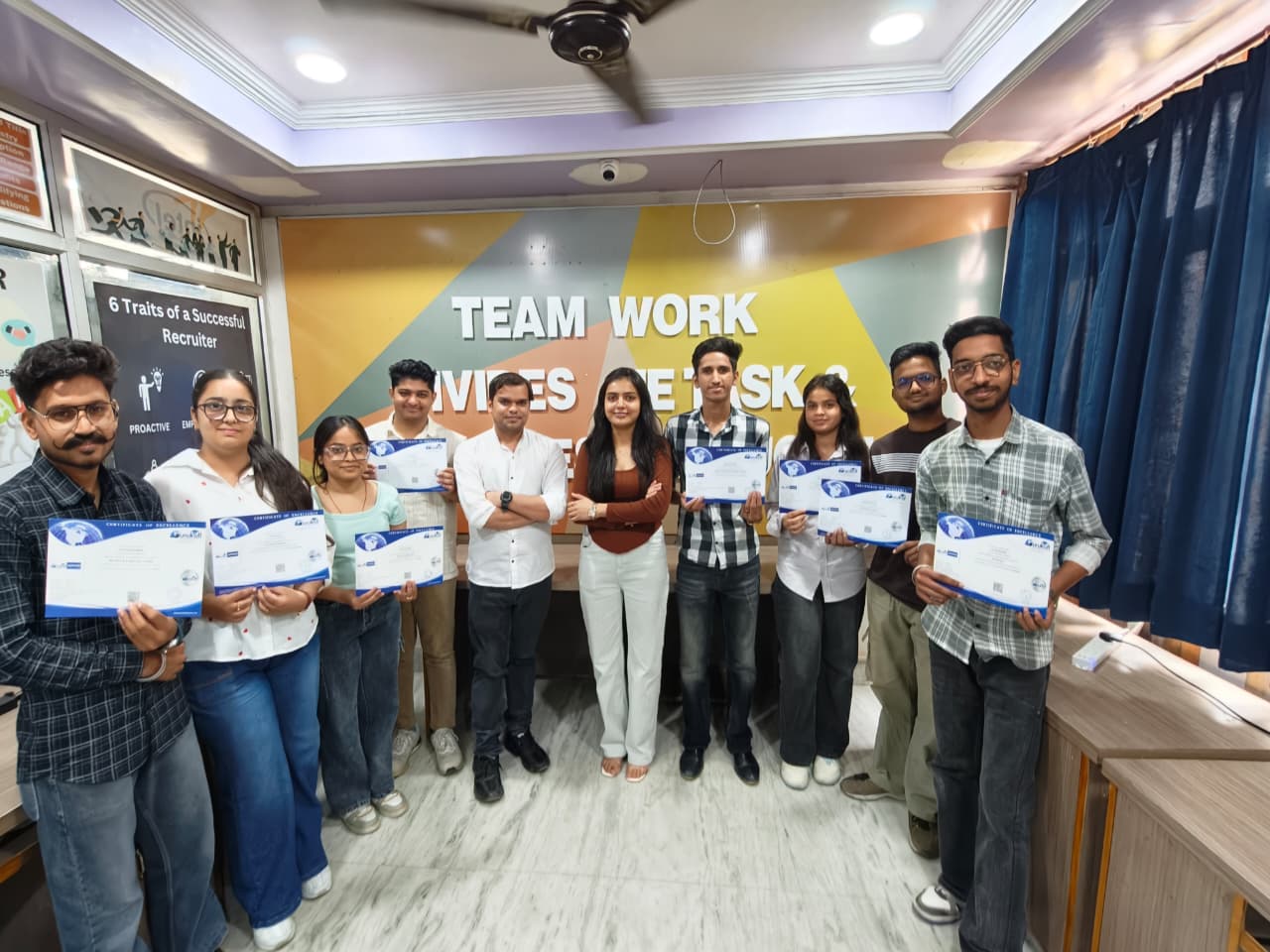
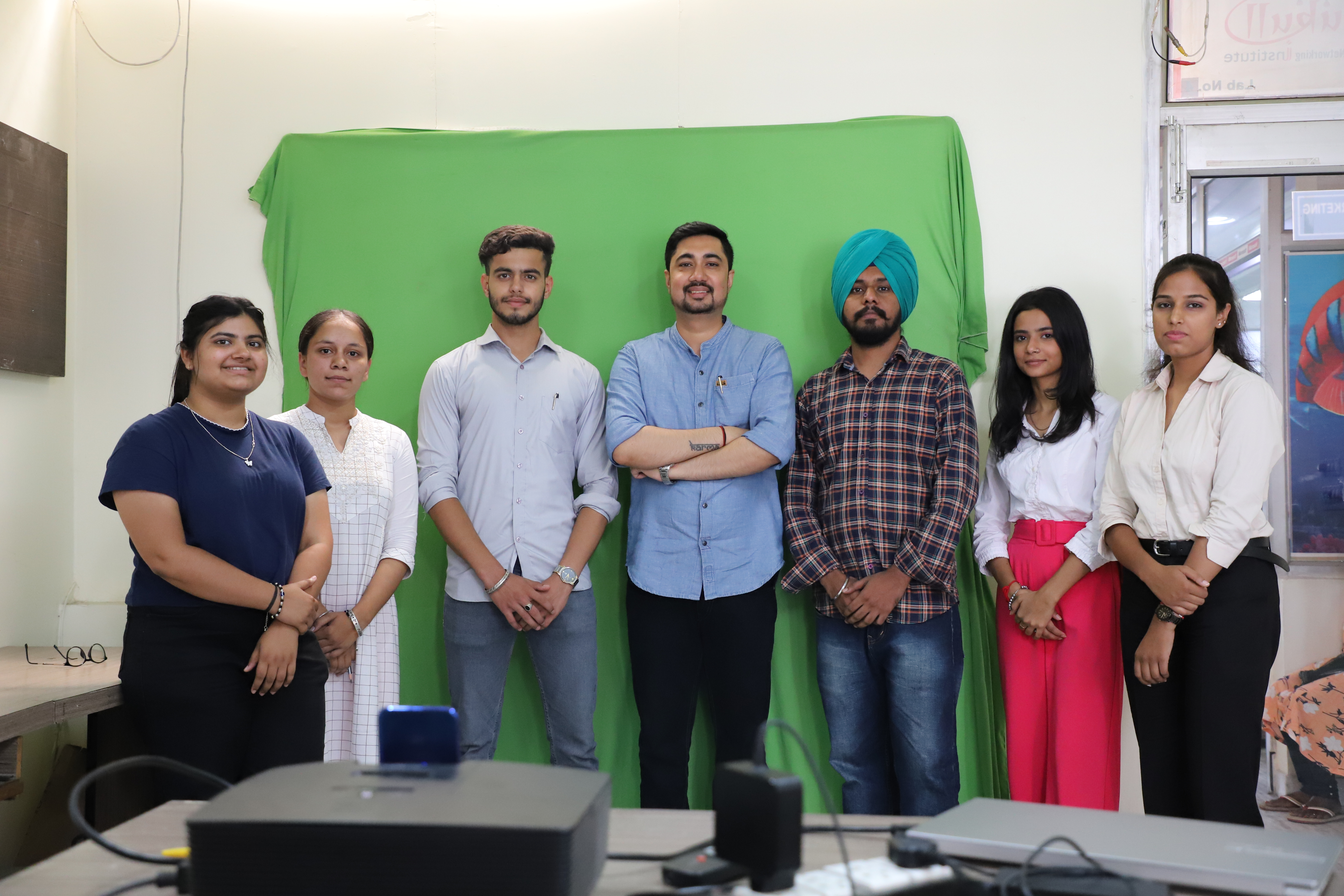
Life at Gurukull Institute Bathinda
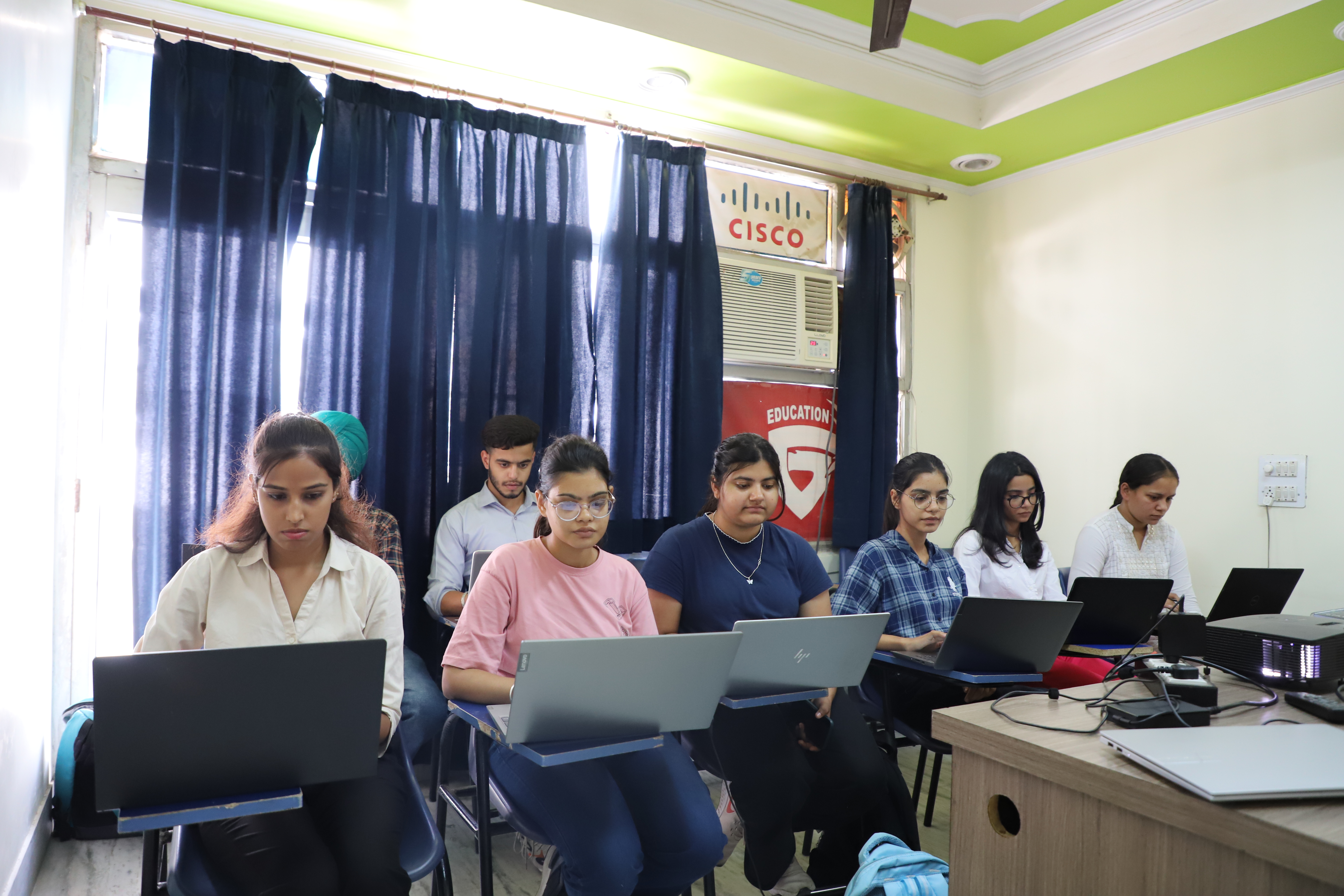
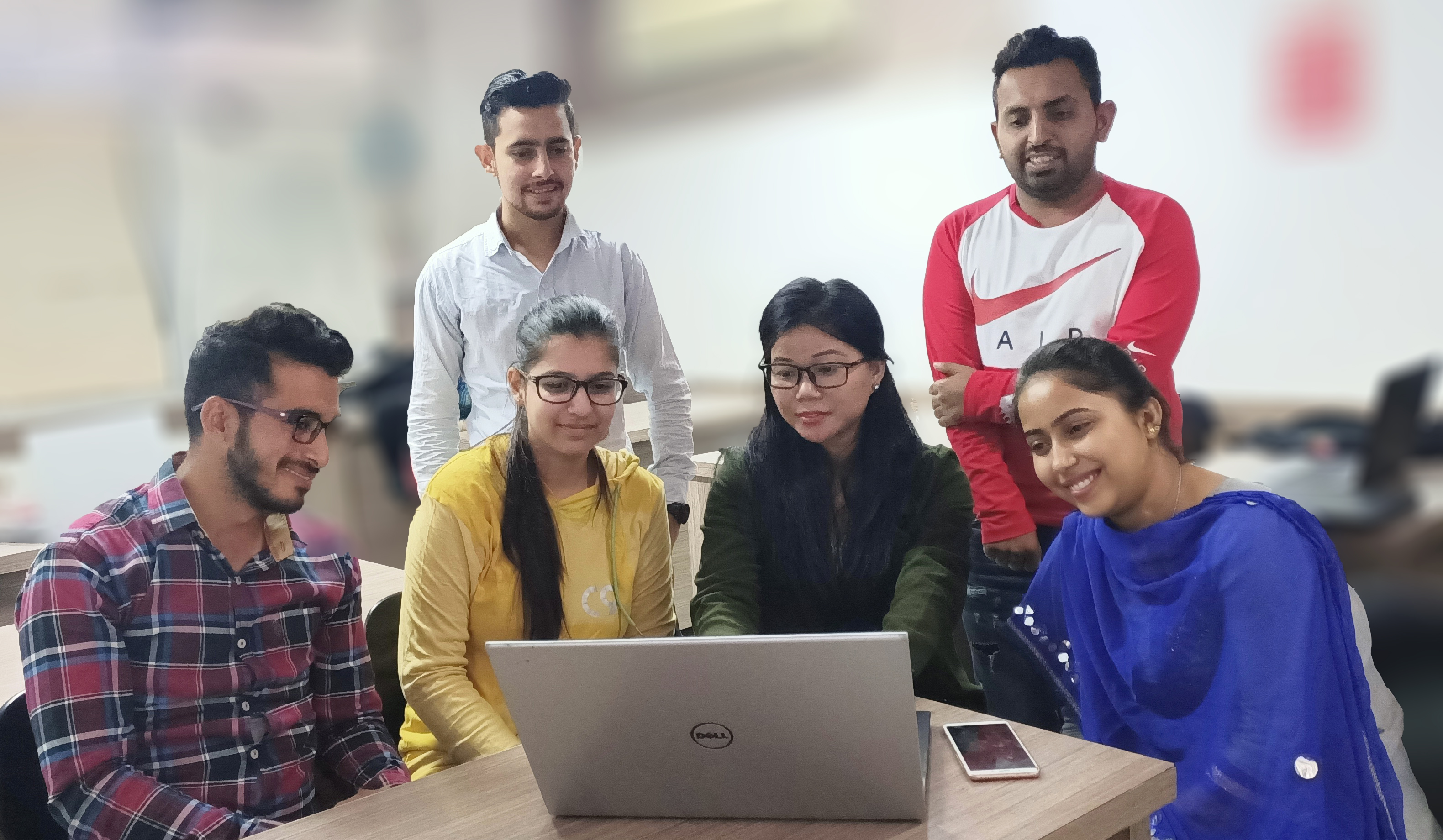
Real classrooms, real students, real learning. Get a glimpse of our state-of-the-art training environment.


Video Editing Complete Course — Professional Training Overview
Gurukull Institute Bathinda mein Video Editing Complete Course ki puri jaankari lein. Yeh course aapko basic video cutting se lekar professional motion graphics, AI video generation aur career launch tak complete kar deta hai — real projects aur dedicated placement support ke saath.
- Daily Premiere Pro practice on real footage from day one
- After Effects motion graphics projects every week
- AI video generation workshops — Sora AI, Runway, Pika, Kling
- Complete video portfolio before graduation — edit reel + AI productions
This Course Is Perfect For
Whether you are starting fresh or upgrading your existing skills, this program delivers real results for every background and goal.
Students & Fresh Graduates
Enter the fast-growing video content industry with professional editing skills and AI production capabilities from day one.
Aspiring YouTubers & Creators
Master the editing techniques, thumbnails, YouTube SEO, and content strategy needed to build a successful channel.
Business Owners
Produce professional product videos, social media reels, and brand content for your business without paying expensive agencies.
Freelancers
Add professional video editing and AI video production to your services and command premium rates on Fiverr and Upwork.
Content Creators & Influencers
Level up your content quality with professional editing, color grading, and AI tools that make your videos stand out.
Digital Marketers
Add video production to your marketing skill set — the capability that unlocks higher-value roles and premium client projects.
Job Roles & Salary You Can Target
Our dedicated placement cell connects trained students with 200+ hiring partners across Punjab, Delhi, Chandigarh, and beyond.
Salary Range in India — 2025
What Our Students Say
Real feedback from real students who trained at Gurukull Institute Bathinda and built successful, rewarding careers.
Gurukull ka Video Editing Complete Course meri life ka best decision tha. Premiere Pro aur After Effects ki training genuinely professional level ki hai — CapCut aur DaVinci Resolve bhi sikhaya gaya. AI video module ne toh completely naya dimension khol diya. Ab main Chandigarh ki ek production studio mein kaam kar raha hun.
Course ke dauran hi maine apna YouTube channel shuru kiya. Jo editing skills mili yahan se — cuts, transitions, color grading, thumbnails — sab ne channel ki quality transform kar di. Aur Fiverr par bhi monthly 60,000+ aa rahe hain video editing se. Real practical training thi, koi bakwaas theory nahi.
After Effects training Gurukull mein best hai. Instructor ne real production workflows sikhaye — sirf software buttons nahi. AI video generation module complete game-changer tha — main ab clients ko AI-generated b-roll de sakta hun at fraction of normal cost. 3 weeks mein placement ho gayi Delhi mein.
Frequently Asked Questions
Honest answers to the questions students ask most before enrolling at Gurukull Institute Bathinda.
Ready to Build Your Career in Bathinda?
Join thousands of students who chose Gurukull Institute and transformed their future. Book a free demo class — no pressure, just experience the quality yourself.