Video Editing + AI Video Generation Course in Bathinda
Master professional video editing and the future of AI-powered video creation. Learn Premiere Pro, After Effects, and CapCut for editing — then unlock AI video generation tools like Pika, Runway, Sora AI, and Kling Motion to create cinematic content without a camera.
Why This Course Stands Out
Practical, industry-aligned training at Gurukull Institute Bathinda. From day one, you work on live projects and real-world campaigns alongside expert trainers.
Adobe Premiere Pro Mastery
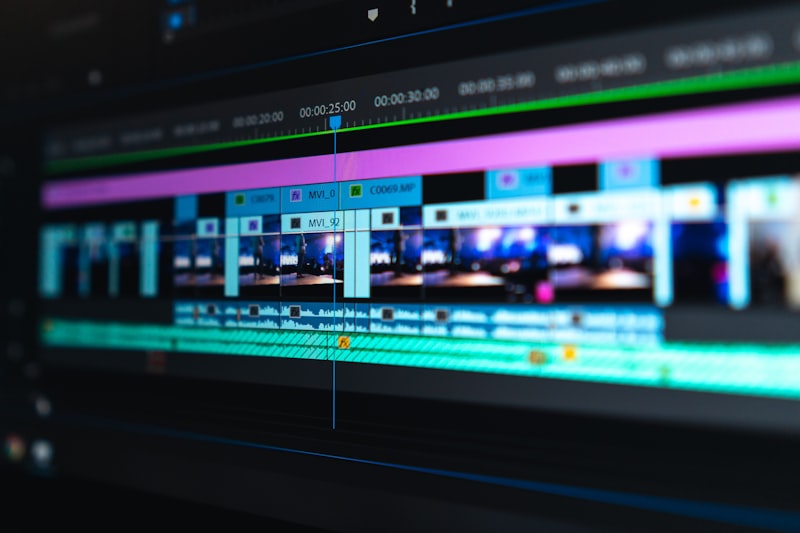
Learn the industry-standard video editing software used by professionals at Netflix, YouTube studios, and ad agencies. From timeline management to color grading and audio mixing.
After Effects & Motion Graphics
Create stunning motion graphics, animated titles, visual effects, and cinematic transitions that transform ordinary footage into extraordinary productions.
AI Video Generation
Master the latest AI video tools — Sora AI, Runway Gen-3, Pika, and Kling Motion — to create high-quality video content from text prompts and static images.
CapCut & Mobile Video Editing
Learn CapCut for fast, high-quality mobile video editing — the preferred tool for Reels, Shorts, TikTok, and social media video content creators.
Captions, Subtitles & Color Grading
Add professional captions automatically with AI, apply cinematic color grades, master audio cleanup, and produce content that passes the quality bar for brand campaigns.
AI Avatar & Spokesperson Videos
Create AI presenter and spokesperson videos using HeyGen and Synthesia — produce training videos, product demos, and brand content without appearing on camera.
YouTube & Social Media Video Strategy
Understand video SEO, thumbnail optimization, YouTube Shorts strategy, and how to repurpose long-form content into multiple short-form pieces for maximum reach.
Video Portfolio & Placement
Graduate with a complete video portfolio — edited productions, AI-generated videos, motion graphics reels, and YouTube-ready content that wins clients and jobs.
The Complete Video Production Program for the AI Era
Video is the dominant content format on every platform — YouTube, Instagram, Facebook, LinkedIn, and even Google Search now prioritizes video content. The demand for skilled video editors and creators has never been higher. The Video Editing + AI Video Generation Course at Gurukull Institute Bathinda trains you to be exactly the kind of video professional that brands and agencies are hiring right now.
This course starts with the solid technical foundation every professional video editor needs: Adobe Premiere Pro for assembly editing, color grading, audio mixing, and export. You will learn After Effects for motion graphics, animated titles, and visual effects. CapCut is covered for the fast-growing world of mobile-first social media editing where Reels and Shorts demand a completely different workflow.
What makes this program truly forward-looking is the AI video generation module. You will work with Sora AI (OpenAI's text-to-video model), Runway Gen-3, Pika, and Kling Motion — tools that can generate cinematic video footage from text descriptions. You will also learn to create AI spokesperson and avatar videos with HeyGen and Synthesia, and generate AI voiceovers with ElevenLabs. These tools are not replacing video editors — they are becoming the most powerful tools in a video editor's toolkit.
By the time you complete this program, you will have a diverse portfolio of edited videos, motion graphics sequences, AI-generated productions, and social media content. You will be ready to work in post-production studios, content agencies, YouTube channels, advertising departments, or build your own freelance video editing business.
- Adobe Premiere Pro — professional timeline editing, color grading, audio mixing
- After Effects — motion graphics, animated titles, visual effects
- CapCut — fast mobile editing for Reels, Shorts, and social videos
- AI video tools — Sora, Runway Gen-3, Pika, Kling Motion AI
- AI avatars & voiceover — HeyGen, Synthesia, ElevenLabs
- YouTube video SEO, Shorts strategy, and channel optimization
- Complete video portfolio: edited productions + AI-generated content
- Placement support with video production agencies and content studios

Start Your Journey Today
Book a free demo class — no pressure. Just experience the quality of Gurukull training before you decide.
Complete Course Modules
Every module is structured to take you from fundamentals to advanced — with hands-on projects at each stage throughout the program.
Build a strong conceptual foundation before you touch any software — understanding how professional video production works from concept to final delivery.
Master Premiere Pro — the industry standard for professional video editing. From raw import to final export, cover every aspect of the editing workflow.
Create professional motion graphics, animated titles, visual effects, and cinematic transitions that add polish and professionalism to any video production.
Master CapCut for fast, high-quality short-form video editing — the essential tool for Instagram Reels, YouTube Shorts, and TikTok content creators.
Enter the future of video production. Use AI tools to generate high-quality video footage from text prompts, animate still images, and create cinematic content without traditional filming.
Create professional presenter-style and spokesperson videos using AI avatar tools — produce training content, product demos, and brand videos without appearing on camera.
Optimize your video content for YouTube discovery and growth — covering video SEO, thumbnail design, content planning, YouTube Shorts, and monetization fundamentals.
Build a comprehensive video portfolio that demonstrates your editing and AI creation skills. Launch your career with freelancing strategies, placement support, and interview preparation.
Industry Tools You Will Master
Get hands-on experience with the exact tools used by professionals at top agencies, studios, and companies across India.
Life at Gurukull Institute Bathinda
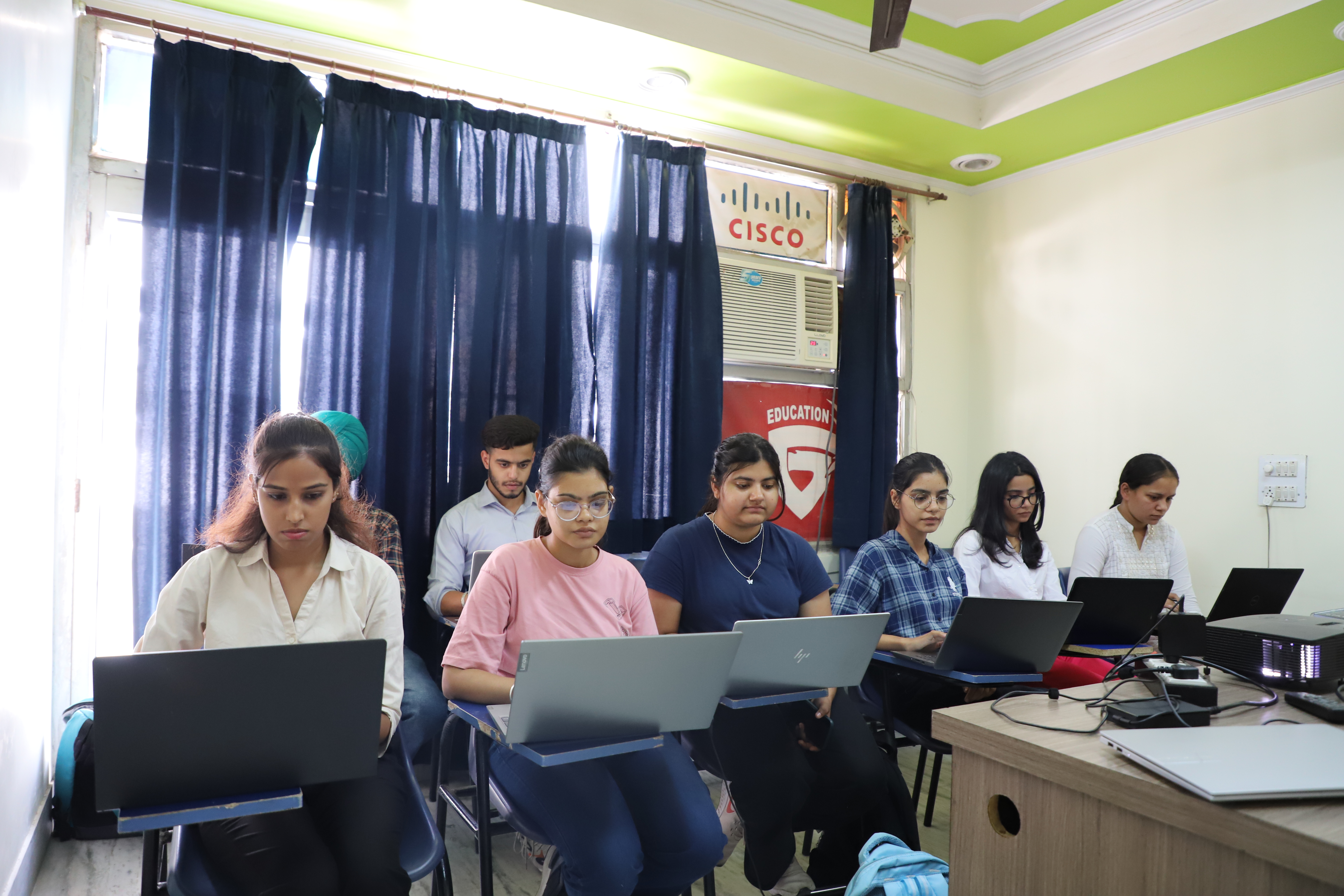
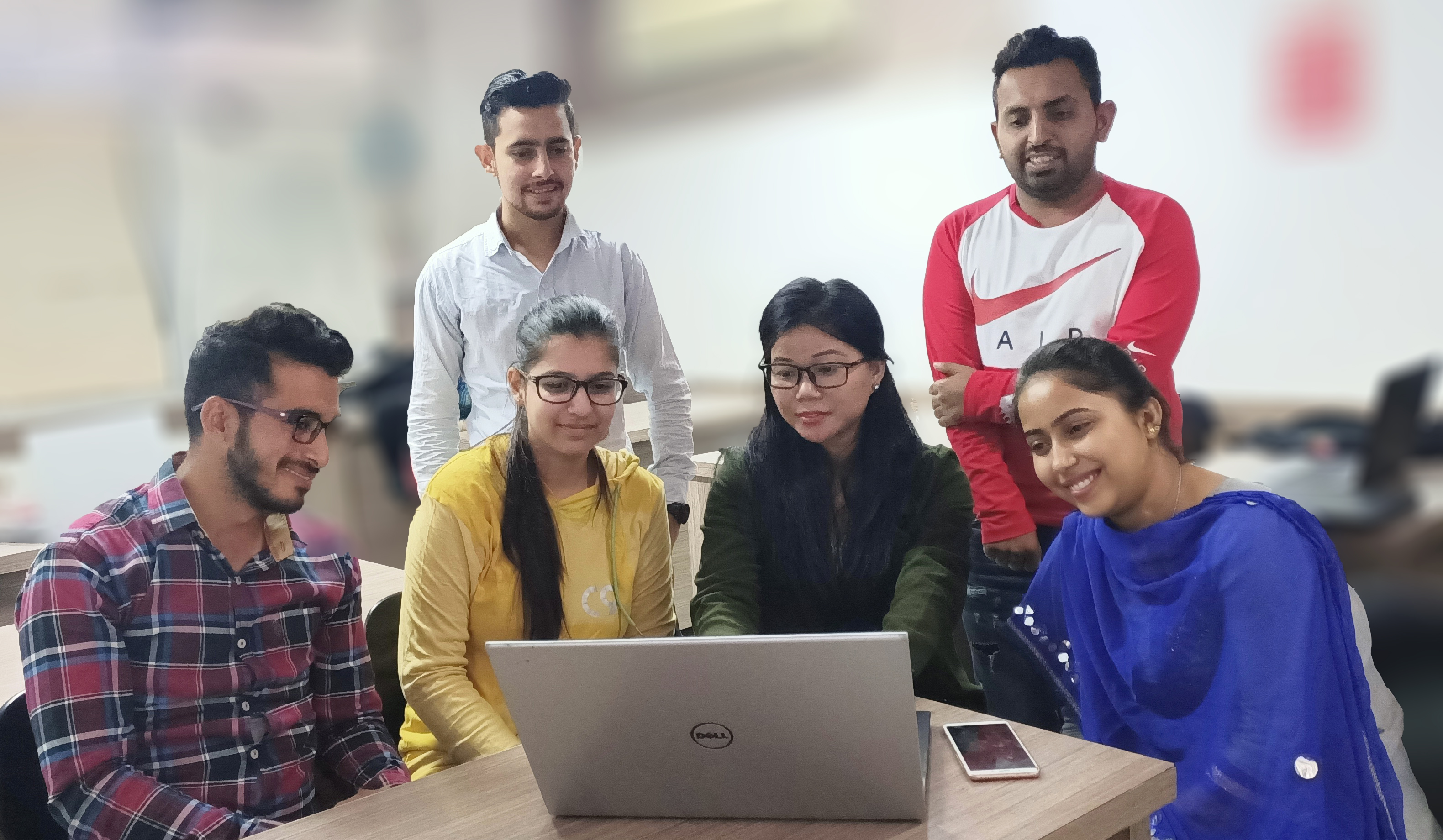
Real classrooms, real students, real learning. Get a glimpse of our state-of-the-art training environment.

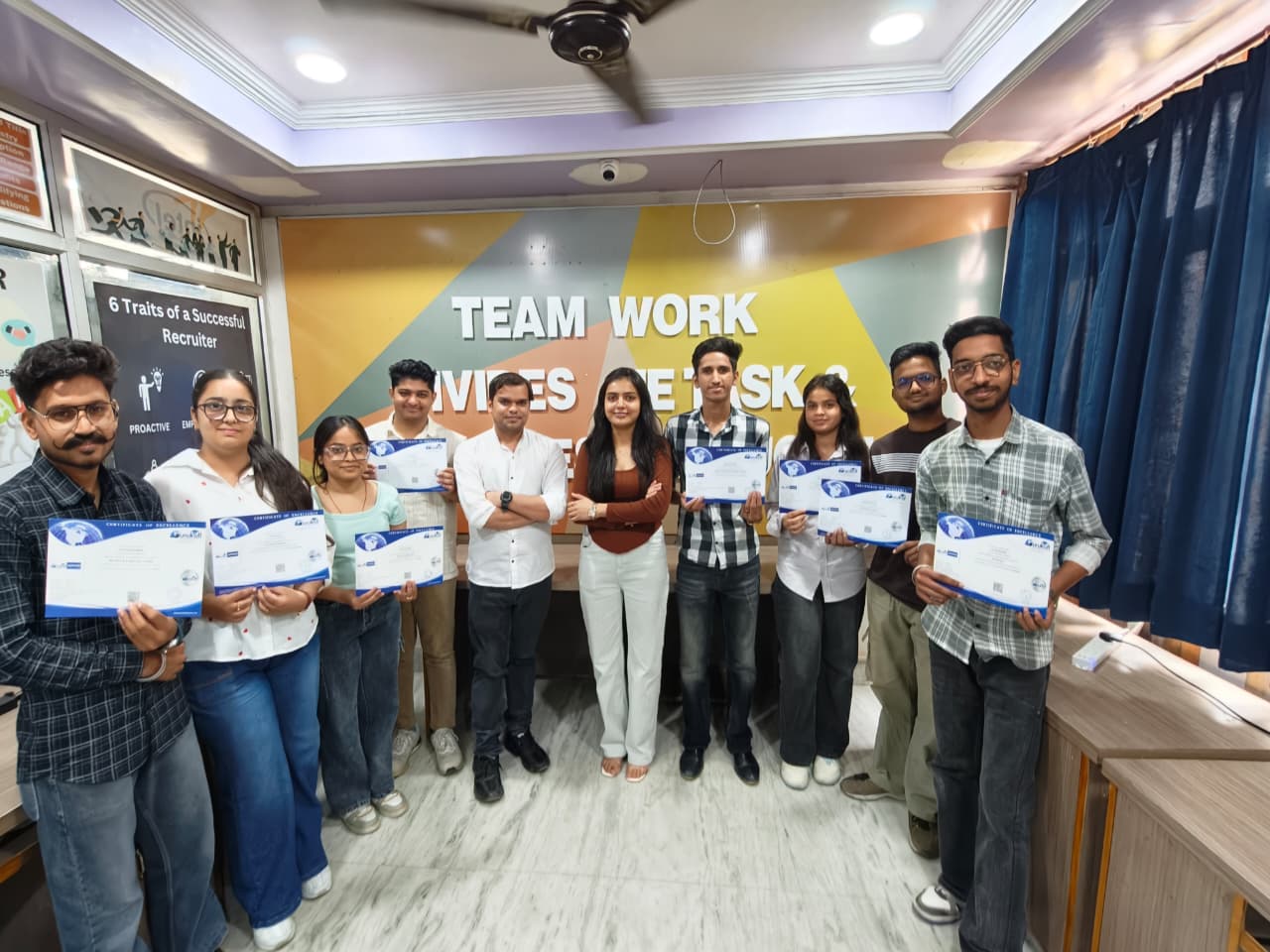
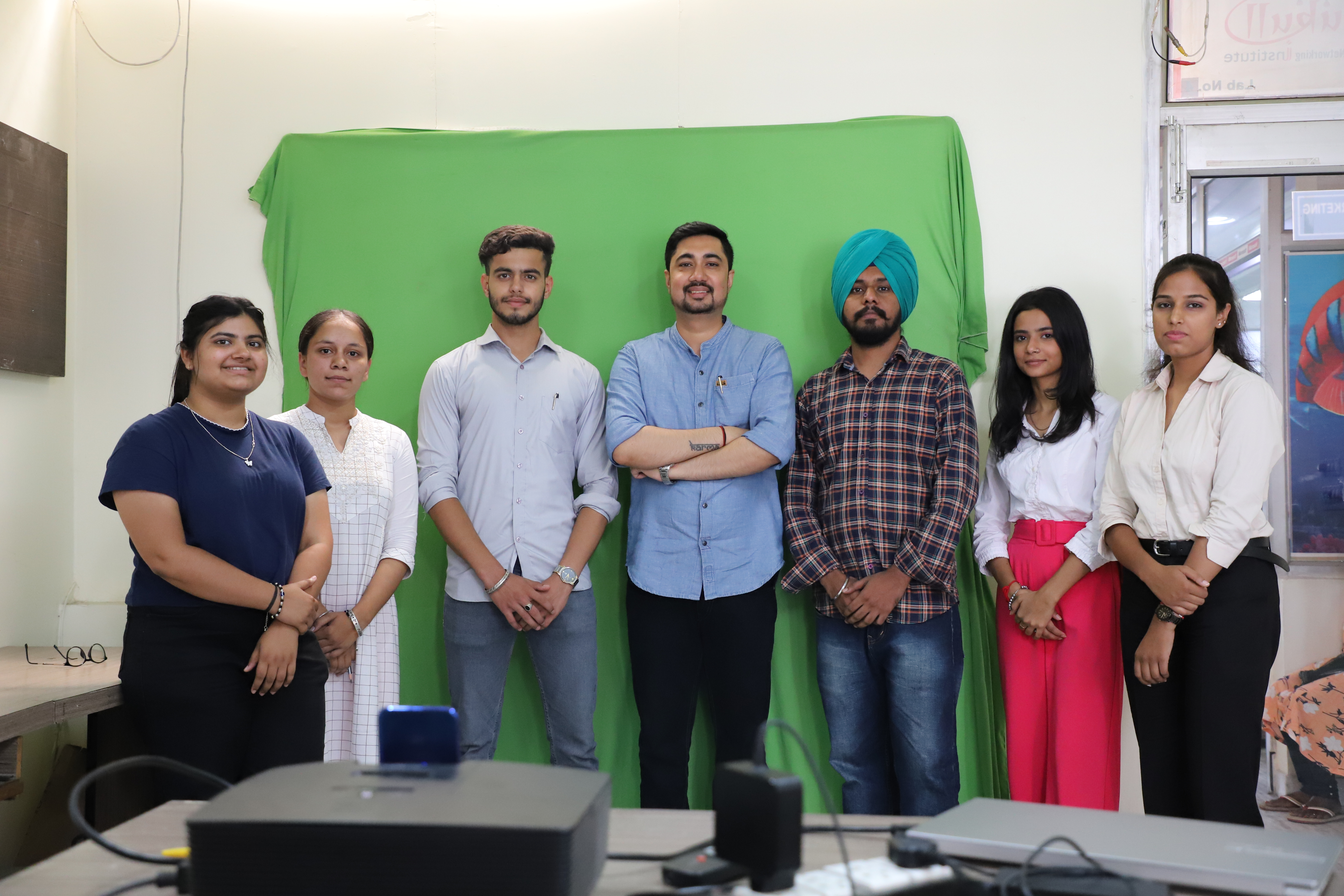

Professional Video Editing + AI Creation Training
Our video editing and AI video generation program covers everything from cutting-room fundamentals to AI-generated cinematic content. You will leave with a complete portfolio of edited videos and AI-generated productions that demonstrate your capabilities to any employer or client.
- Daily editing practice on real footage in Premiere Pro
- Weekly AI video generation workshops
- Motion graphics projects in After Effects
- Reels, YouTube, and ad video portfolio
This Course Is Perfect For
Whether you are starting fresh or upgrading your existing skills, this program delivers real results for every background and goal.
Students & Fresh Graduates
Enter the fast-growing video content industry with professional editing and AI creation skills.
Aspiring YouTubers
Master the editing and strategy skills needed to build a successful YouTube channel from scratch.
Business Owners
Produce professional video ads, product demos, and social media videos for your business.
Freelancers
Add video editing and AI video creation to your services and charge premium rates.
Content Creators & Influencers
Level up your content quality with professional editing techniques and AI-powered production.
Digital Marketers
Add video production capabilities to your marketing skill set for higher-value roles.
Job Roles & Salary You Can Target
Our dedicated placement cell connects trained students with 200+ hiring partners across Punjab, Delhi, Chandigarh, and beyond.
Salary Range in India — 2025
What Our Students Say
Real feedback from real students who trained at Gurukull Institute Bathinda and built successful, rewarding careers.
The Premiere Pro and After Effects training at Gurukull is genuinely professional-level. I came in knowing nothing about video editing. Six months later, I was editing commercial productions at a Chandigarh studio. The AI video module was a bonus — it blew my mind.
I started my YouTube channel during this course and edited my first 20 videos using what I learned here. The CapCut module is excellent for Reels and Shorts. The AI tools opened up a completely new creative dimension for me.
After Effects training at Gurukull is excellent. The instructor had worked in real production environments and taught us industry workflows, not just software buttons. I got placed at a Delhi agency within 3 weeks of graduating.
Frequently Asked Questions
Honest answers to the questions students ask most before enrolling at Gurukull Institute Bathinda.
Ready to Build Your Career in Bathinda?
Join thousands of students who chose Gurukull Institute and transformed their future. Book a free demo class — no pressure, just experience the quality yourself.